HubSpot Marketing Contacts: Kosten senken, weiter skalieren
HubSpot berechnet nur Kontakte mit Marketing-Kennzeichnung. Was Professional und Enterprise enthalten und was Zusatzkontingente wirklich kosten.
What “Marketing Contact” Really Means (and Why It Matters)
HubSpot distinguishes between Marketing Contacts and Non-Marketing Contacts.
- Marketing Contacts can receive marketing emails, be synced to ad audiences, and run through marketing actions in workflows.
- Non-Marketing Contacts live in CRM for Sales/Service/reporting but aren’t targeted by marketing tools—and don’t count toward your paid contact tier.
Each contact has a Marketing Contact Status (yes/no) you can set manually, via import, API, or workflow. On the first day of every month, HubSpot freezes the status and bills based on your Marketing Contact count; changes you make later affect next month’s invoice. That monthly “snapshot” is the key mechanism to control cost.
Why Enterprises Don’t Pay for Everyone
You can keep millions of records in HubSpot for history, reporting, and Vertriebssteuerung und Auswertung collaboration—but only license those you actively market to. Example: a group that stores 10M total contacts but designates 250k as Marketing Contacts pays for 250k, not 10M. The platform is built to scale to very large datasets as long as you design lists, workflows, and hygiene accordingly.
Bottom line: HubSpot is both a CRM of record and a marketing platform. Enterprise customers pay for activation, not storage.
Cost Model in Plain English
Every Marketing Hub tier includes an initial bundle of Marketing Contacts. You then add capacity in blocks (e.g., +5k, +10k, +50k). Billing follows the monthly snapshot: set statuses before month-end if you want them to count (or not) on the next invoice. Non-Marketing contacts remain free to store, regardless of volume.
Enterprise tip: Treat your monthly snapshot like a fiscal close. Build a short checklist (see below) to reconcile counts and avoid “oops, we paid for dormant segments.”
Best-Practice Operating Model (That Scales Without Surprise Costs)
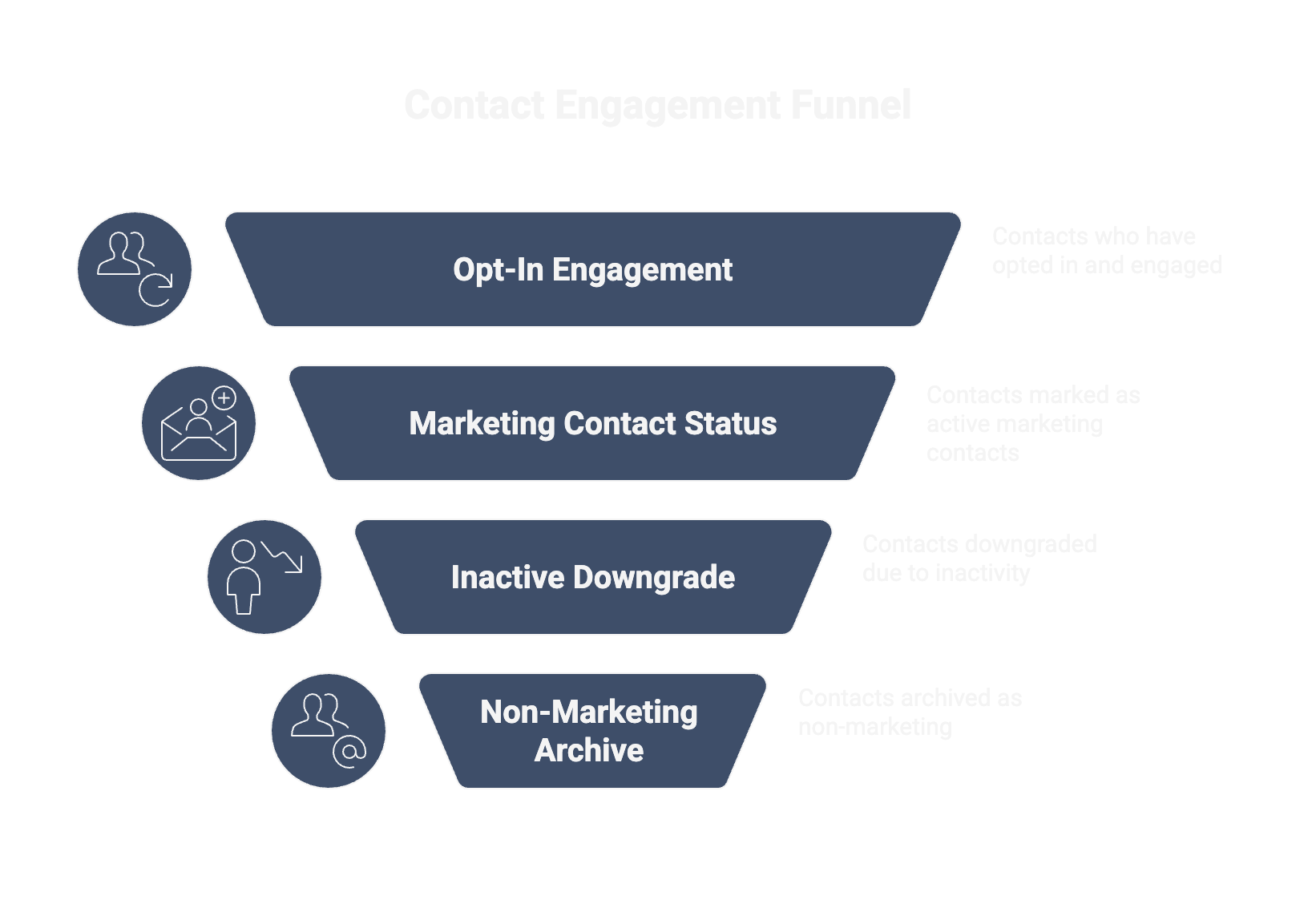
1) Only promote opt-in, active contacts
Mark opt-in, engaged audiences as Marketing Contacts; keep cold or unverified profiles as Non-Marketing until they reconfirm. Use workflows to downgrade inactives after a fixed period (e.g., 12 months).
2) Automate status changes
Drive the status from Lifecycle Stage, Subscription Status, and Engagement. Example:
- Move to Marketing Contact = yes when consent is present and recent engagement exists.
- Move to no on hard bounces, complaints, or unsubscribes (and remove from all marketing lists).
3) Keep a data archive—without paying for it
Historical prospects, customers of record, and integration payloads can all reside in HubSpot as Non-Marketing until they’re re-qualified. This keeps Sales/CS visibility high but protects budget.
4) Watch performance as volume grows
At scale, great segmentation and efficient lists matter. Optimize filters, avoid over-nested logic, and schedule heavy workflows smartly to keep performance smooth.
Governance & Automation: Who Owns What
- Vertriebssteuerung und Auswertung/Marketing Ops own the status logic (definitions, workflows, audits).
- IT/CRM Admins own API/bulk updates and integration behavior.
- Finance gets a monthly contact-cost dashboard (by brand/region) to forecast spend.
- Data hygiene is everyone’s job: immediately flip contacts with bounces/unsubs/complaints to Non-Marketing and track clean-up SLAs.
Rollout Checklist (Copy/Paste This)
- Define statuses & thresholds
- Consent, engagement windows, lifecycle gates (e.g., MQL+).
- When exactly someone becomes Marketing vs. Non-Marketing.
- Build automation
- Workflows to promote/demote status.
- API scripts for bulk changes after imports or migrations.
- Instrument reporting
- Dashboard: Marketing Contacts by brand/region + month-over-month cost.
- Hygiene Board: bounces, unsubs, complaints set to Non-Marketing in near-real time.
- Close the month (two business days before month-end)
- Reconcile lists vs. eligible contacts.
- Run a “last chance” re-permission on borderline segments.
- Freeze and document counts for Finance.

Common Pitfalls & How to Avoid Them
Pitfall 1 — Treating every import as Marketing
Fix: Import all new records as Non-Marketing by default; let workflows promote those who meet consent + engagement.
Pitfall 2 — Forgetting the monthly snapshot
Fix: Add a recurring “status review” task before month-end; measure variance between “eligible” and “billed” contacts.
Pitfall 3 — Inactive or risky cohorts stay billable
Fix: Demote after N days of inactivity; always demote bounces/unsubs/complaints immediately.
Pitfall 4 — No alignment between Ops and Finance
Fix: Share a cost forecast widget in the Vertriebssteuerung und Auswertung dashboard and review it in your monthly business rhythm.
Häufig gestellte Fragen
Can we store unlimited contacts?
When does billing apply?
Do Sales 1:1 emails make a contact ‘Marketing’?
Can we sync our entire ERP/CRM into HubSpot without paying for all of it?
Ein kostenloses 60-Minuten-Erstgespräch klärt, welcher Hebel zuerst greift. Kein Pitch, ehrliche Einschätzung, ob es passt und klarer nächster Schritt.